

<
Blog post
How to change URL of a page in WordPress?
Neerav Mehta
Founder & CEO
When you create a new page, WordPress automatically creates a URL by the name of that page’s title. This might not always be what you want. Sometimes you may need to create a custom URL for certain pages.
Follow these steps to easily change any page’s URL!
- Open the Dashboard from the top left side of your website.
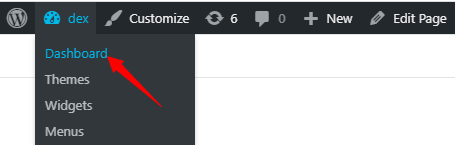
- On the left sidebar, hover your cursor above Pages, and click on All Pages.

- All your pages will appear before you. Hover your cursor above the page whose URL you wish to modify and click on Edit. In our case, we are editing the Blog page.

- Click anywhere on the Title Block.
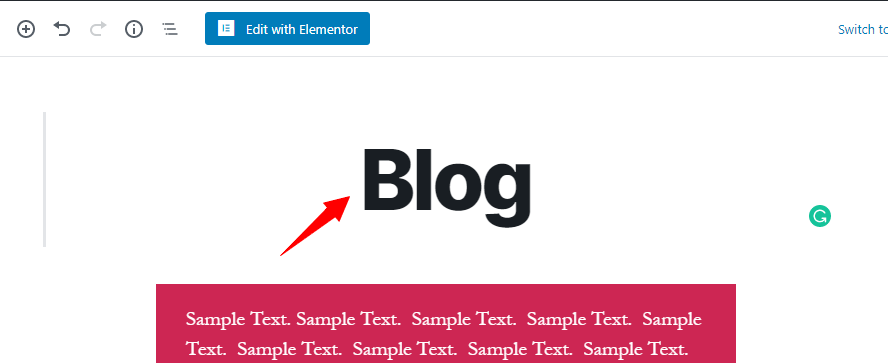
- Next, on the top right, click on Edit.
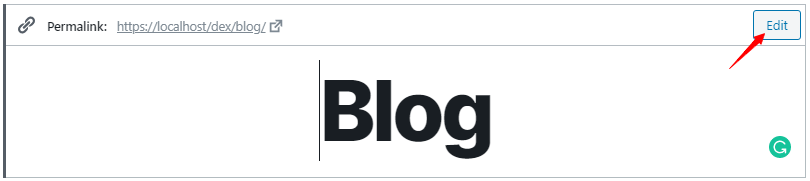
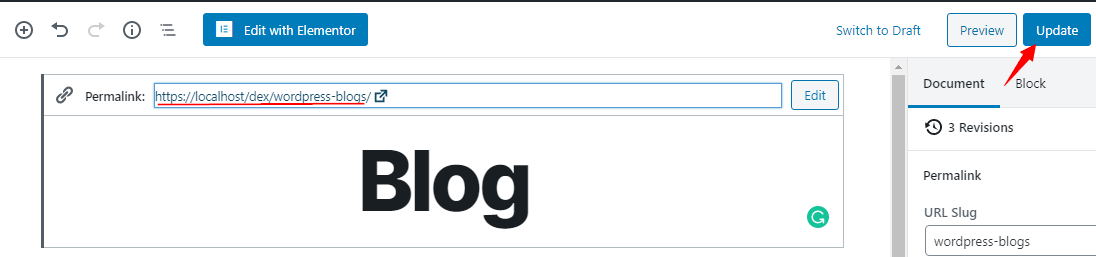
- Enter your desired URL. In our case, we have edited it to “wordpress-blogs”. After editing the URL, click on Save.
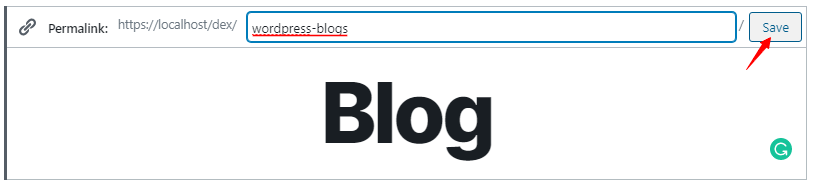
- After saving, you can see the updated link above the title block. You are not done just yet. You need to click on Update on the top right corner.
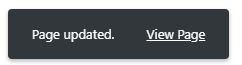
- You will receive this message, meaning your URL has been successfully updated.
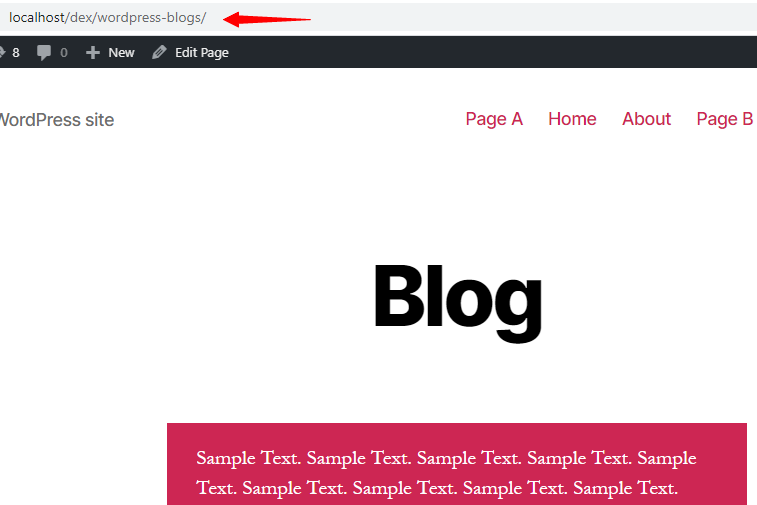
- Here is the updated URL.

Neerav Mehta
Founder & CEO
Neerav Mehta is the Founder & CEO of Red Crackle. With sterling qualities, Neerav’s technological acumen is firing a generation of progressive companies on the digital path. With an undergraduate degree in Electrical Engineering from India's most prestigious institution IIT Bombay and having spent seven years developing and contributing to the launch of AMD's innovative line of computer products, Neerav founded Red Crackle where he is lauded for his dynamic and innovative genius.



Let’s get you started!