

<
Blog post
How to edit homepage in Drupal?
Neerav Mehta
Founder & CEO
First, we need to navigate to the homepage. You may not know which page is the homepage and any page may be set to the homepage. So first we need to find it out, then we can proceed to edit it. Follow these steps.
- Start by clicking on Configuration.

- On the right side, click on Basic site settings, below System.
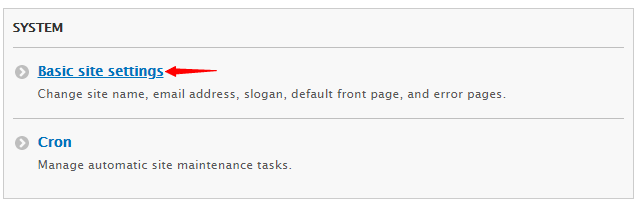
- Navigate down to Front Page. Here you can view the URL of the page which is set as default homepage.

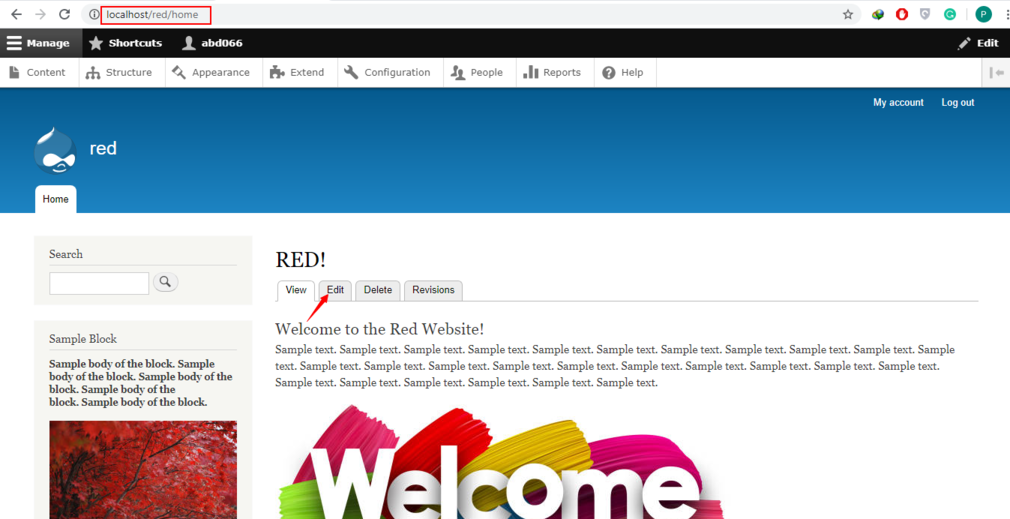
- Copy and navigate to that URL. You’ll arrive on your homepage. Proceed by clicking on Edit.
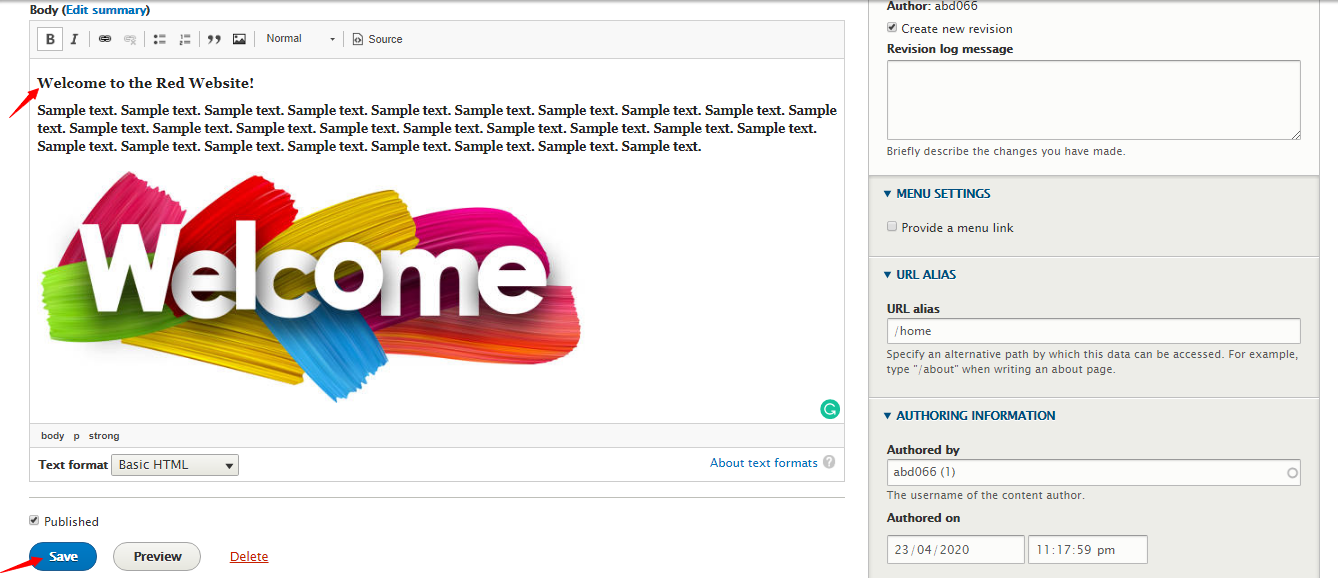
- Tweak the page according to your need and click on Save on the bottom.
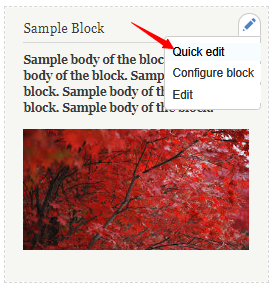
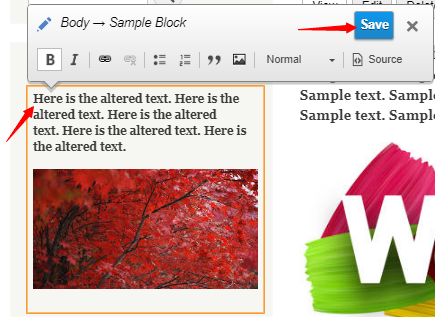
- To edit the block, you will need to click on the pencil icon on the block’s top right and then click on Quick edit.
- Make relevant changes to the block’s body and in the end, click on Save.
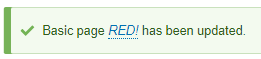
- You will receive this message meaning the page has been updated.
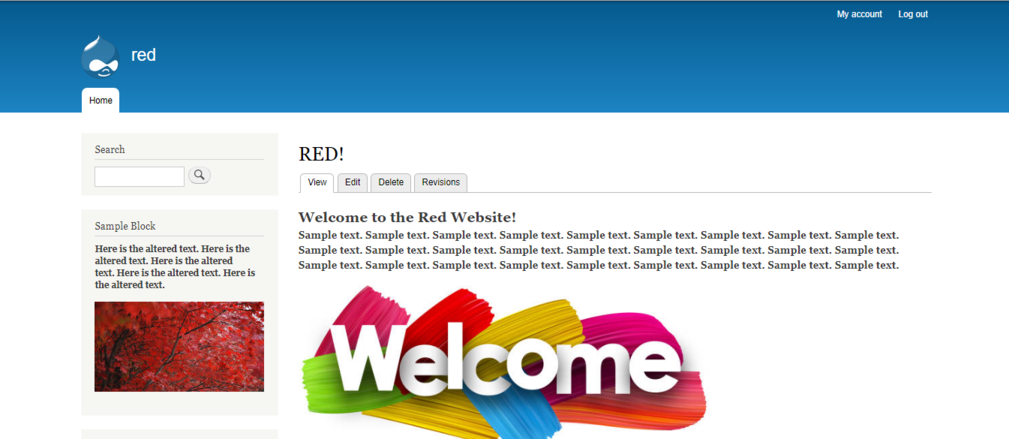
- Here is the updated page.

Neerav Mehta
Founder & CEO
Neerav Mehta is the Founder & CEO of Red Crackle. With sterling qualities, Neerav’s technological acumen is firing a generation of progressive companies on the digital path. With an undergraduate degree in Electrical Engineering from India's most prestigious institution IIT Bombay and having spent seven years developing and contributing to the launch of AMD's innovative line of computer products, Neerav founded Red Crackle where he is lauded for his dynamic and innovative genius.



Let’s get you started!